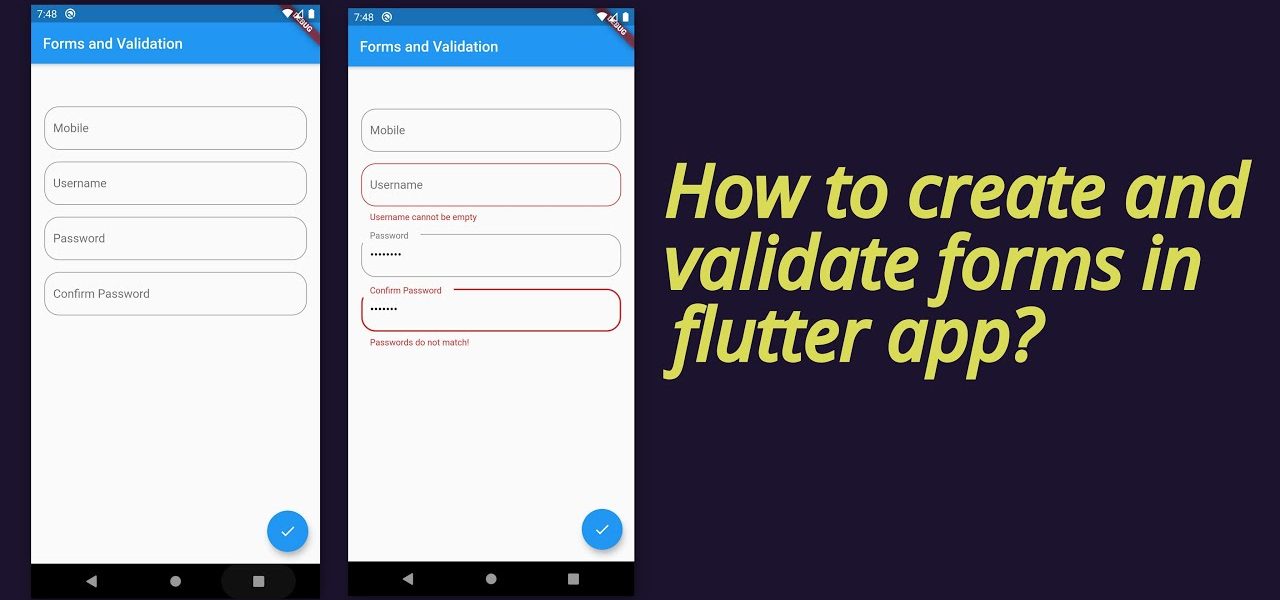
Forms are an essential part of most apps — whether it’s sign-up screens, login pages, checkout forms, or feedback submissions. In Flutter, creating forms is simple, but handling validation properly.
Most modern apps rely on APIs (Application Programming Interfaces) to fetch live data — whether it’s showing weather updates, stock prices, news feeds, or social media posts. In Flutter, integrating.
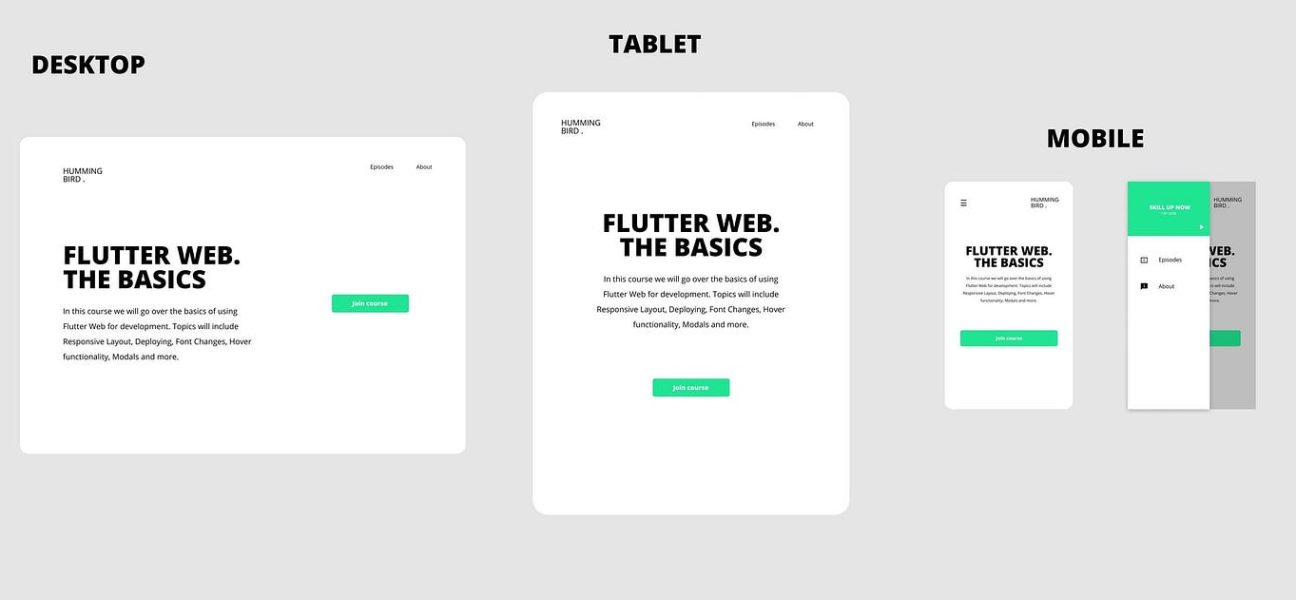
One of Flutter’s biggest strengths is its ability to build apps that run seamlessly across mobile, web, and desktop platforms — all from a single codebase. But while the code.
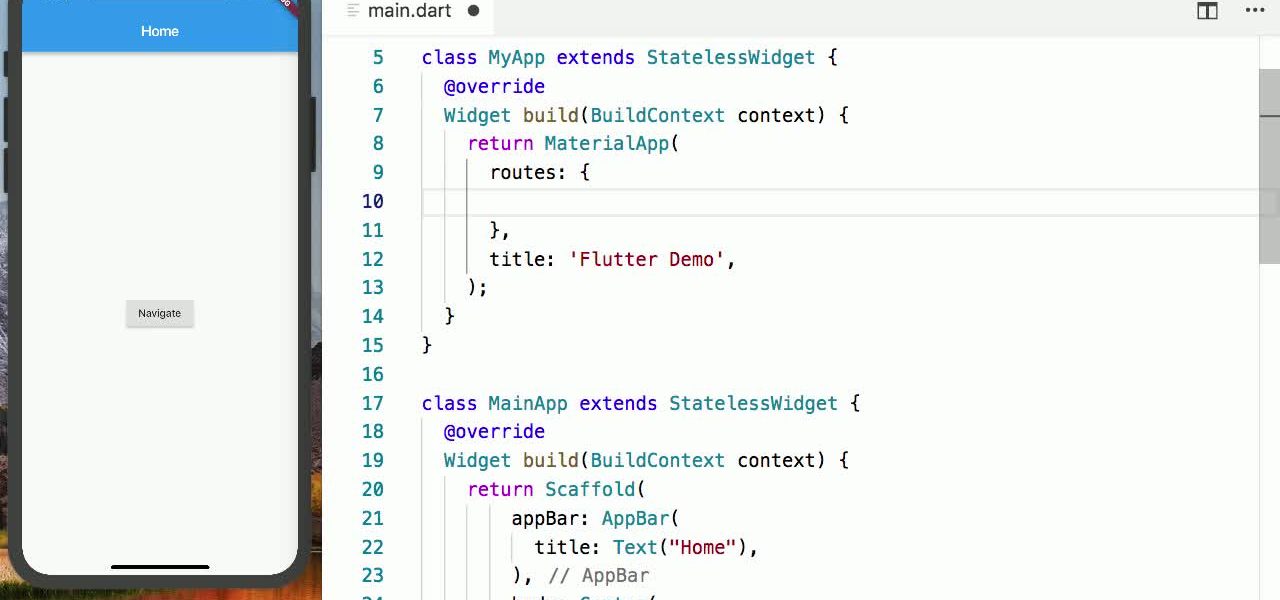
One of the key parts of building a mobile app is navigation—helping users move between screens smoothly. In Flutter, navigation is powered by the Navigator widget and a routing system.
When building Flutter apps, one of the first things you’ll need to master is layout. Flutter’s flexible widget-based system makes arranging UI elements straightforward, but at first glance, widgets like.